How to add a new task
First
Squeeze the sides.
To cancel, squeeze again.
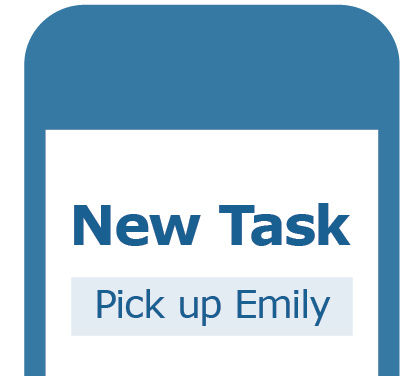
Name
Tap the box and use speech to text to enter the name.
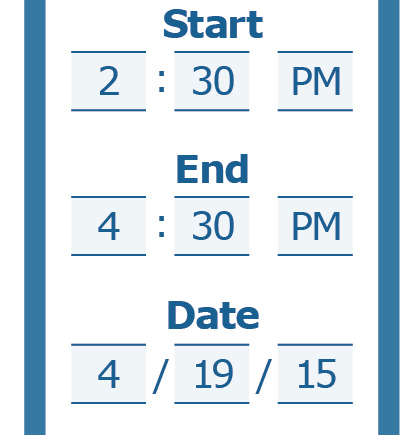
When
Tap and scroll or use speech to text to fill in the start and end times.
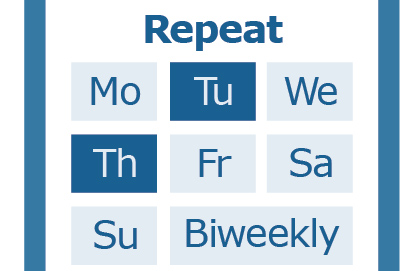
Repeat
If the task is recurring tap the days it is on. Biweekly will set it to every other week.
Reminder
Set how long before the task you want a reminder.

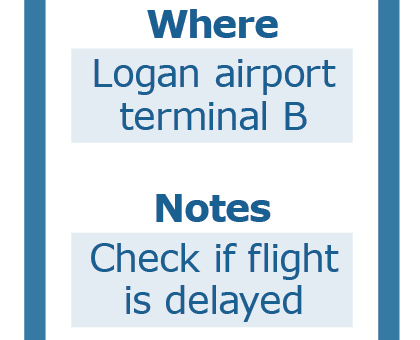
Where + Notes
Add where the task is and anything else important to remember.
Finish
Tap Finish to enter your task.
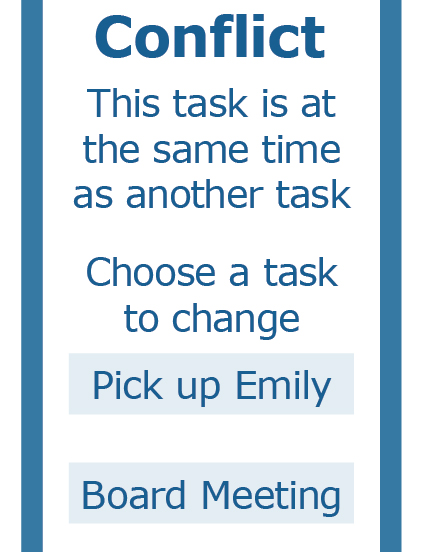
Conflict
If there is already a task at the time of your new task, you will be asked which one you want to edit.